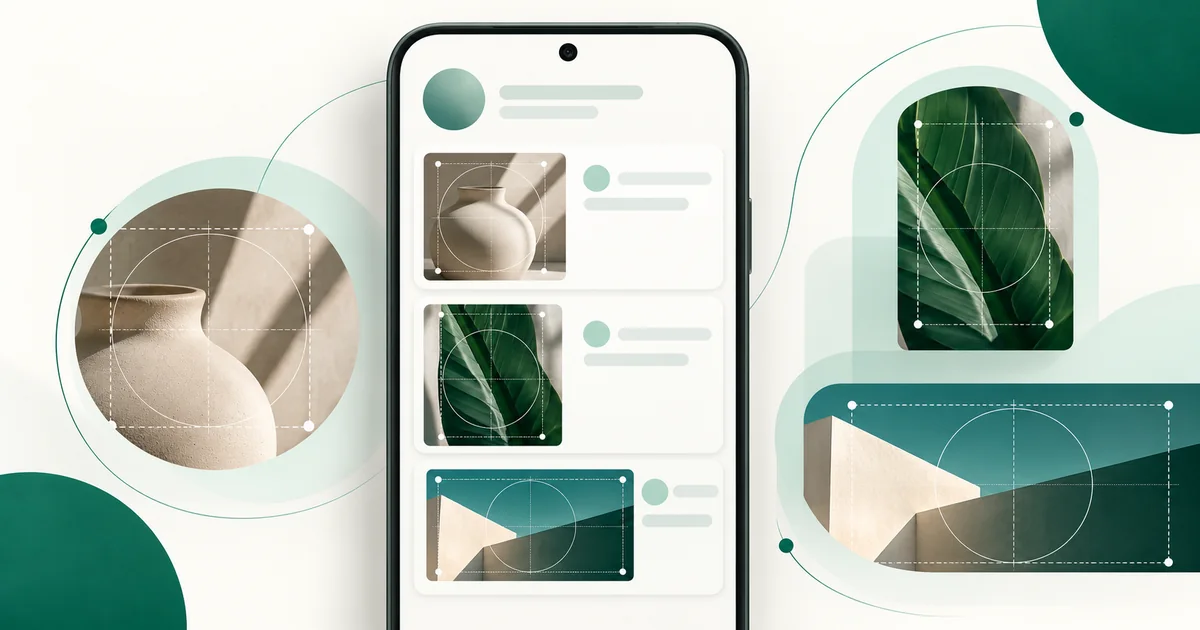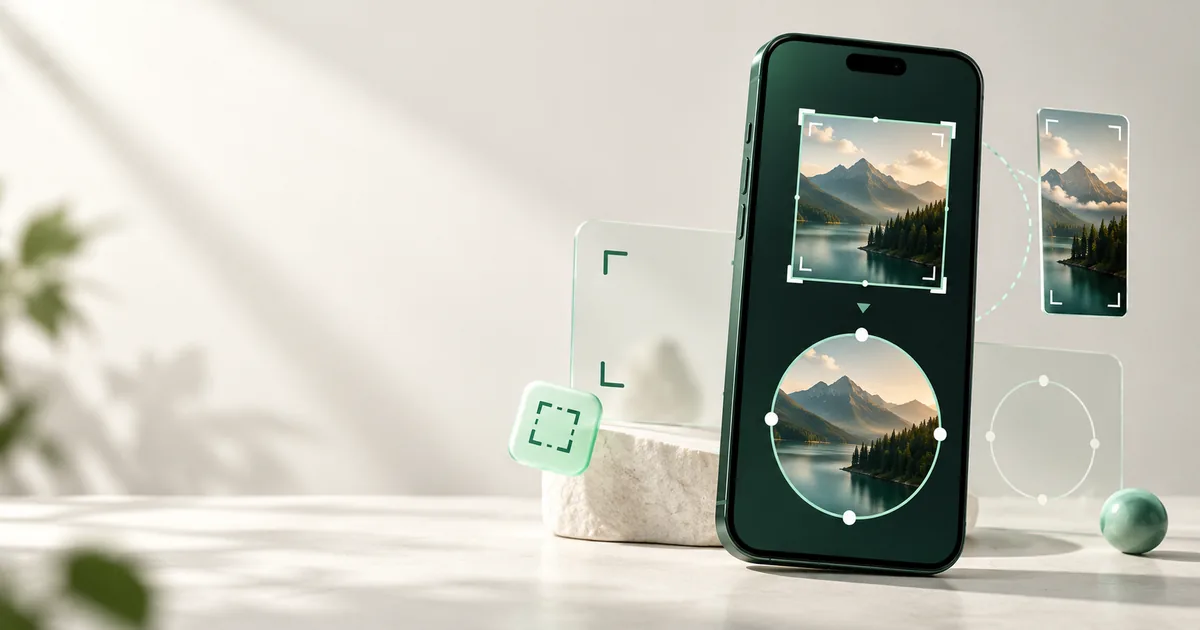
Use a square source and compose it for a circle. WaSize recommends 640 × 640 pixels for a WhatsApp group icon: large enough for a clean working file, without pretending that WhatsApp requires that exact number. The real quality decision is whether every important face or logo detail remains recognizable at thumbnail size.
What size should a WhatsApp group icon be?
Prepare a 640 × 640 pixel square, keep important content near the center, and preview it as a circle before exporting. Use JPG for a group photograph and PNG for a logo or sharp graphic.
WhatsApp’s Help Center explains how to upload and change a group icon, but it does not publish one mandatory pixel dimension. That makes 640 × 640 a WaSize working recommendation, not an official requirement. An 800 × 800 source is also reasonable when the original is already sharp.
Should you crop or fit the group photo?
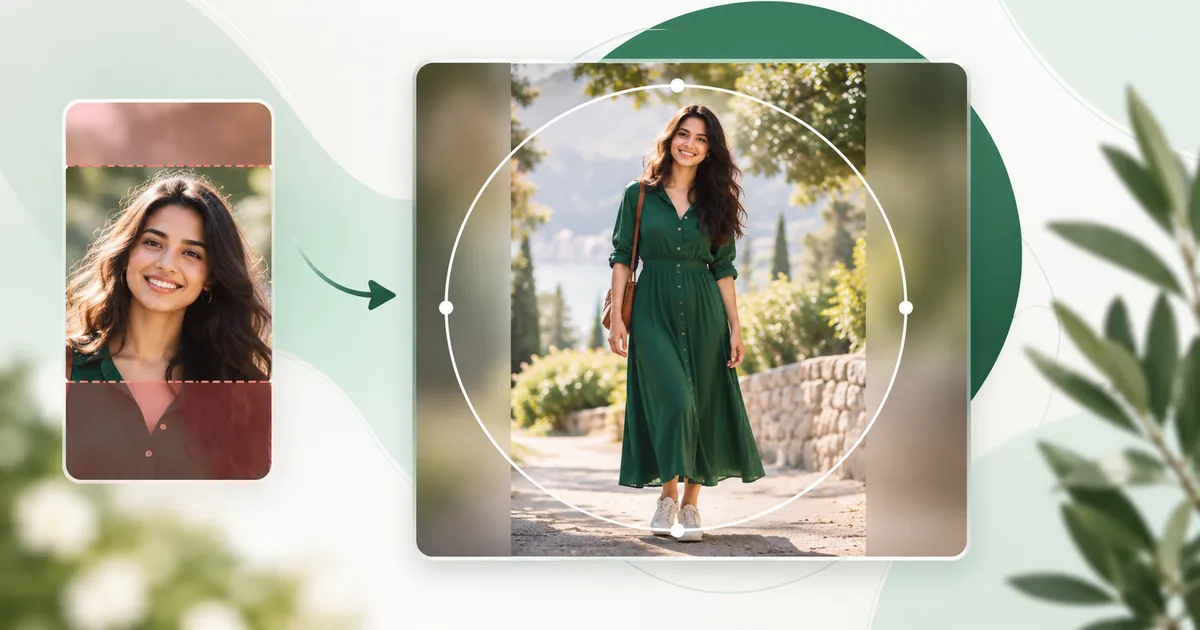
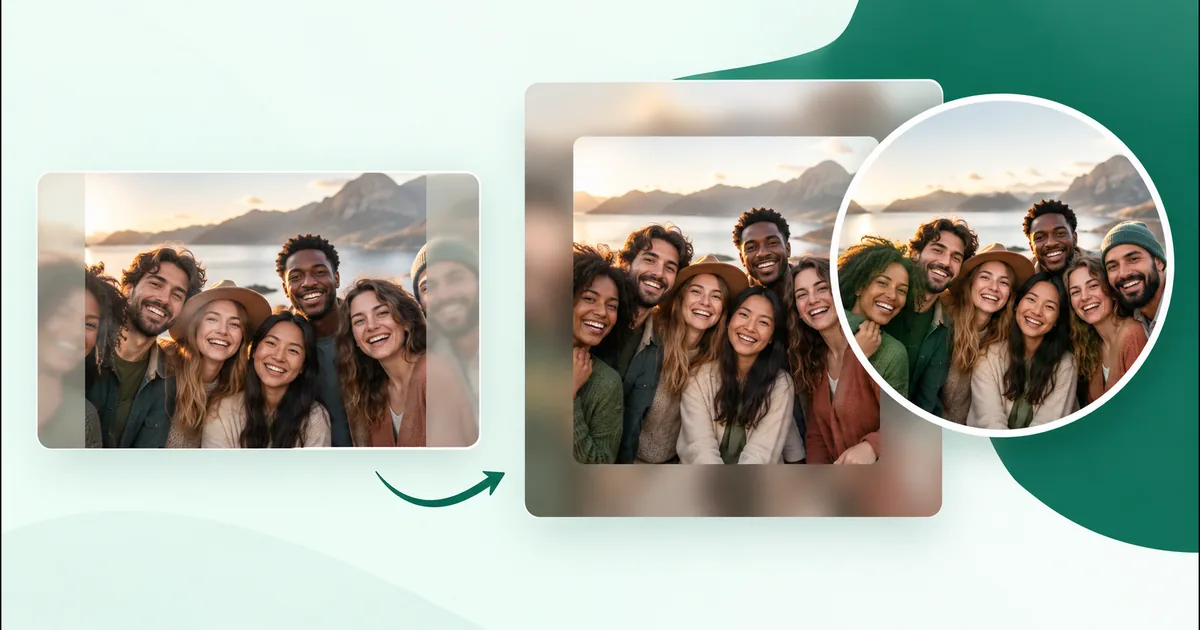
Crop when everyone is already clustered near the middle. Fit when a wide photo would lose people at the edges. A wide group shot cannot fill a square without trimming its sides. Fit mode preserves the whole frame and adds space above and below; crop mode creates larger faces but may remove people.
| Source | Recommended treatment | Reason |
|---|---|---|
| Compact selfie | Crop to fill | Faces stay large and central |
| Wide group row | Fit with blurred padding | Protects people near both edges |
| Team logo | Fit with solid padding | Preserves the complete mark |
| Busy event photo | Choose a tighter source first | Too many tiny faces become unreadable |
How do I make a WhatsApp group icon?
- Open the WaSize group preset. It creates a 640 × 640 square with a circular preview.
- Choose Crop or Full photo. Compare face size with the risk of cutting out edge subjects.
- Position for the circle. Keep heads, faces, and logo edges away from the outer guide.
- Export once. Download a JPG photo or PNG graphic, then upload that finished square to the group.
How do I keep a group photo recognizable as an icon?
Prioritize recognition over including every inch of the scene. The background, shoes, table, and sky rarely help someone find the right chat. Faces do. If you can crop empty surroundings while keeping every person, do that before adding padding.
Keep the group compact, with similar head sizes when possible. A person standing far behind everyone else may disappear at icon scale. Avoid placing faces in the square’s corners; the circular view makes those areas vulnerable. Leave a small breathing margin around the outermost heads.
For a very wide group, blurred padding usually looks more natural than black bars. The sharp foreground remains the subject while the blur completes the square. Don’t blur the people themselves, and don’t enlarge a small photo until faces become waxy.
How should I prepare a logo for a group icon?
Use the symbol, not a long wordmark. A compact emblem survives at chat-list size; a full organization name often becomes an unreadable stripe. Add generous padding so the circle does not clip the mark.
Use PNG for flat colors, thin lines, and sharp edges. Increase contrast between the mark and background, simplify tiny details, and inspect the result at about 40 pixels wide. If it is unclear there, extra export resolution will not solve the composition.
How do I change a WhatsApp group icon?
Open the group chat, open Group info, select the current icon, and choose an available photo or upload option. WhatsApp’s exact labels vary by platform. The official guidance also notes that group permissions can limit editing to admins, so a member who cannot change the icon may need an admin to upload it.
After selecting the prepared square, avoid zooming until the padding disappears. Center the composition, save, and check the icon in the normal chat list—not only in the larger edit preview.
FAQ: WhatsApp group icons
What size should a WhatsApp group icon be?
WaSize recommends a 640 × 640 pixel square. It is a practical working size, not an official mandatory WhatsApp specification.
Why are people cut out of my group icon?
A wide photo must be cropped to fill a square, while the compact displayed icon makes edge content vulnerable. Fit the full group or choose a tighter composition.
Should a group icon be JPG or PNG?
Use JPG for photographs and PNG for logos, flat graphics, or designs with sharp text.
Design for the smallest view
A strong group icon is not the image with the most content. It is the one people recognize immediately. Start with a clean square, protect the circle, and keep faces or the main symbol large enough to read.
For every major WhatsApp image placement, use the complete WhatsApp image size guide.
Sources and how we checked
- WhatsApp Help Center: changing group information and icon
- WhatsApp Help Center: group edit permissions
How to change a group icon, and the fact that group permissions can limit that to admins, come from WhatsApp’s own Help Center pages above. WhatsApp doesn’t publish a group icon pixel size, so 640 × 640 (or 800 × 800 for a sharp source), the crop-or-fit advice, and the JPG or PNG choice are WaSize working recommendations, not official requirements. Last checked October 26, 2026.