
Useful answers for better WhatsApp images.
No trend-chasing or padded listicles. Just tested sizes, honest format advice, and fixes for the crop that keeps cutting off your face.
Featured guide

WhatsApp Channel Image Size: Icon and Post Guide
Prepare a recognizable circular icon and flexible square, portrait, or landscape image updates.
More from WaSize
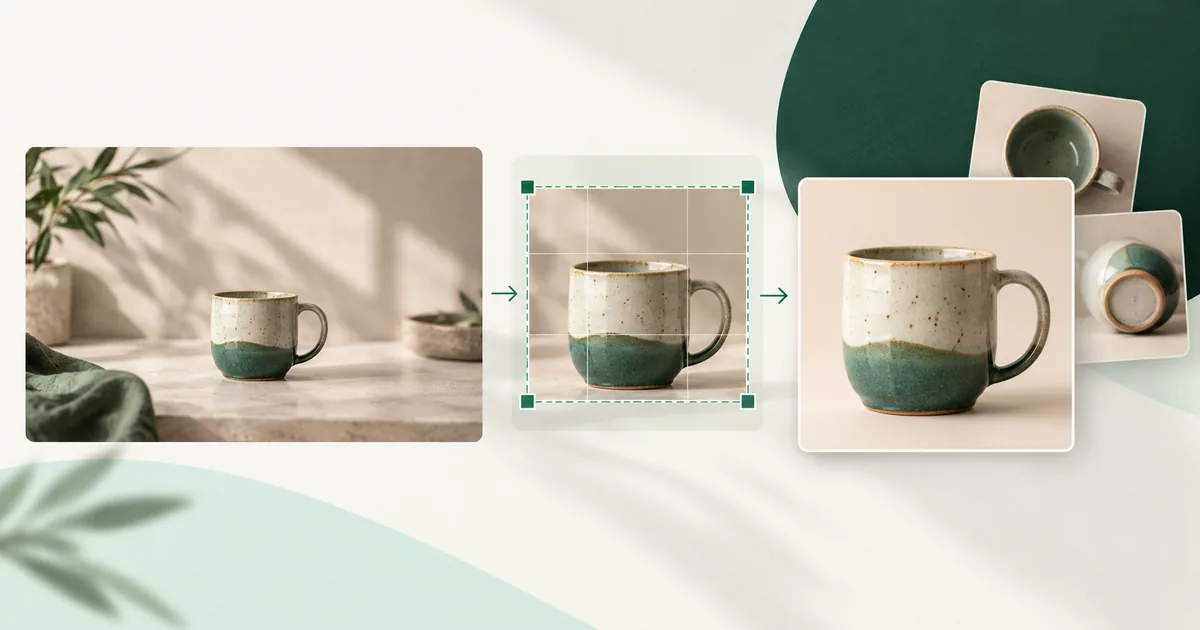
WhatsApp Catalog Image Size and Product Photo Guide
Prepare clear, consistent square product photos that remain useful in compact catalog views.

How to Remove a Photo Background for a WhatsApp Sticker
Clear a simple background, restore fine subject edges, and export a transparent static WebP locally.

WhatsApp Chat Wallpaper Size and Design Guide
Prepare a tall custom background that crops cleanly without making every message harder to read.
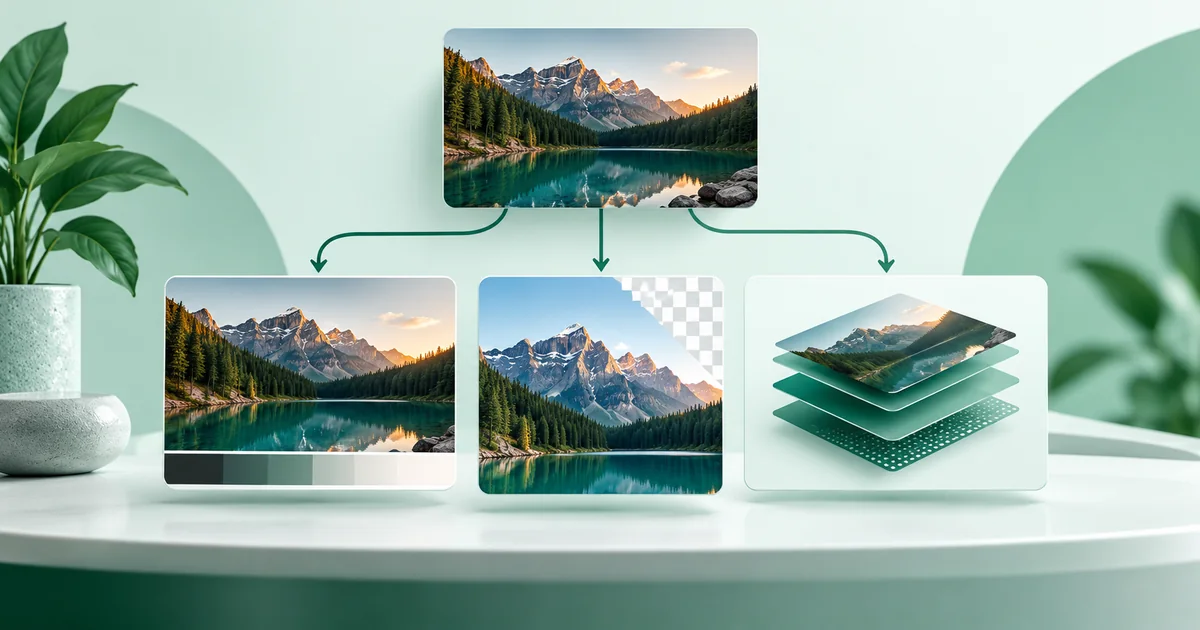
JPG vs PNG vs WebP for WhatsApp Images
Choose the format that protects photos, screenshots, sharp graphics, transparency, or stickers without wasting space.

How to Compress Images for WhatsApp Without Blur
Reduce file size with useful dimensions, the right format, and enough quality to protect the detail people notice.

WhatsApp Group Icon Size and Crop Guide
Keep every important face—or the whole logo—recognizable inside the compact circular group-icon view.
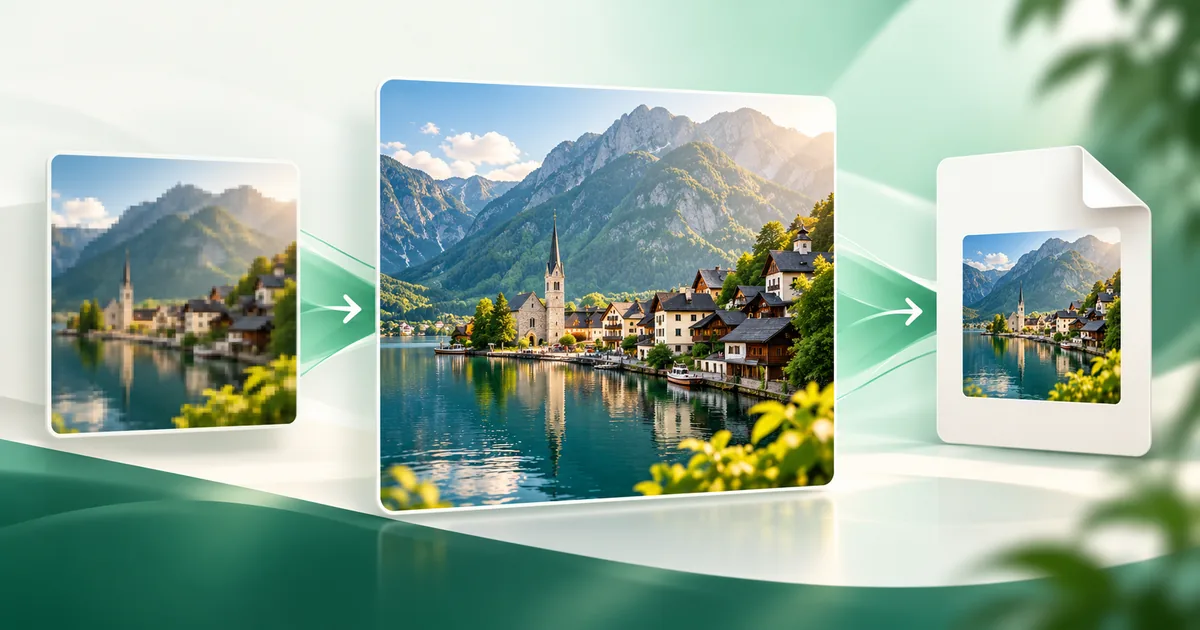
How to Send High-Quality Photos on WhatsApp
Choose between Standard, HD, a document attachment, and an original-file transfer.
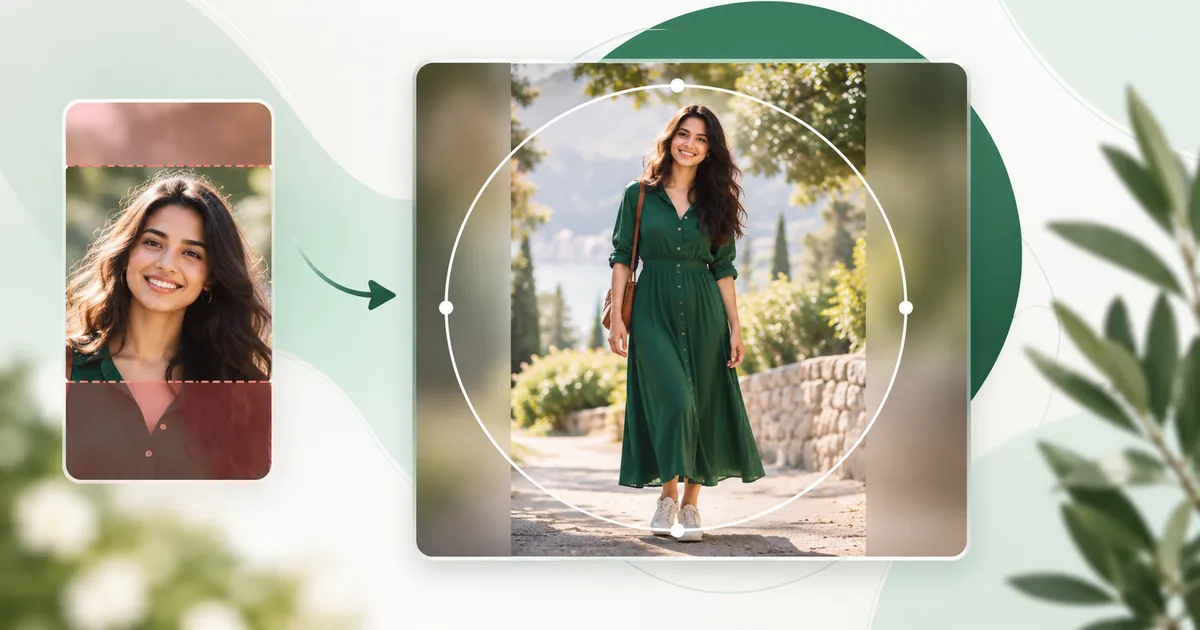
How to Fit a Full Photo in a WhatsApp DP Without Cropping
Keep the whole person, group, outfit, or product visible with a square canvas and a carefully checked circular preview.
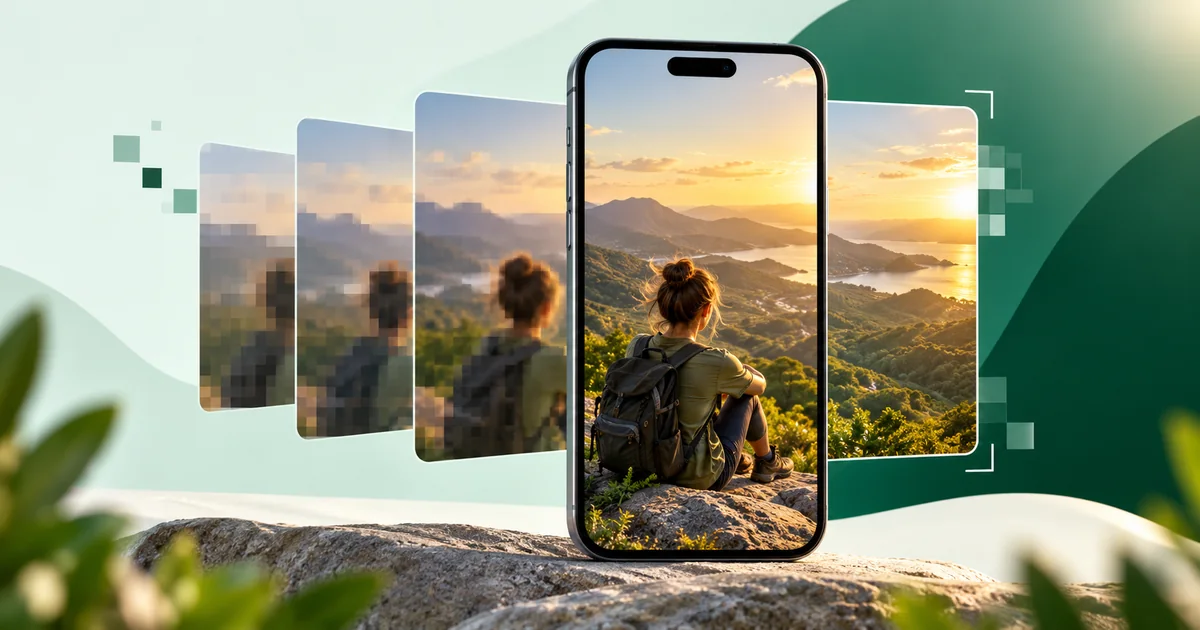
Why Your WhatsApp Status Looks Blurry (and How to Fix It)
Use the right source, frame, format, and export settings to give WhatsApp a cleaner image before it processes your Status.
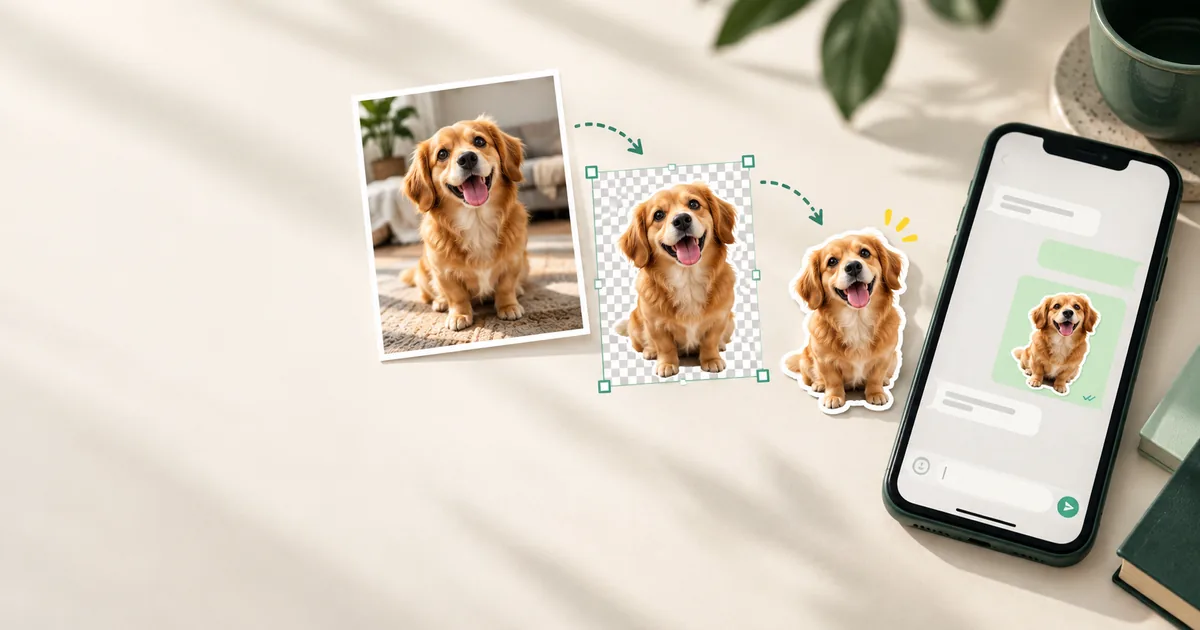
How to Make WhatsApp Stickers from Your Photos
Turn a favorite photo into a clean 512 × 512 sticker with the right outline, canvas, format, and file size.

The Complete WhatsApp Image Size Guide for 2026
Every useful DP, Status, sticker, group icon, and chat-image dimension in one reference.