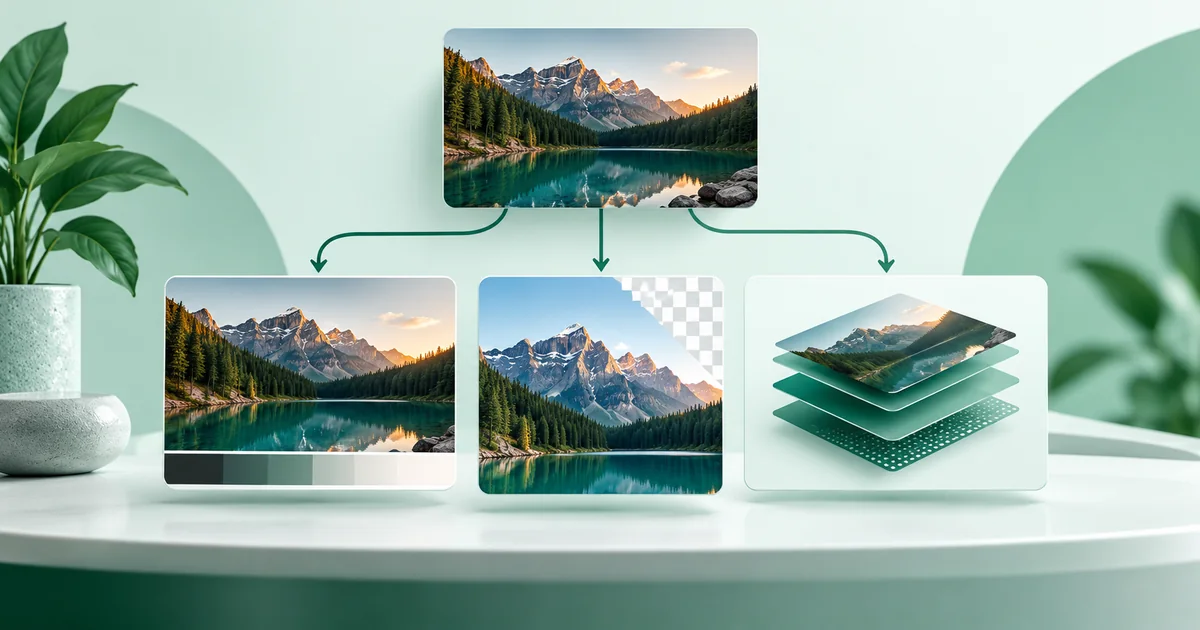
Use JPG for ordinary photographs, PNG for screenshots and graphics with sharp edges or transparency, and WebP when you need an efficient modern export—especially for sticker art. There is no single best format for every WhatsApp image. The right choice depends on the content and what you plan to do with the file.
Which image format should you use for WhatsApp?
Choose JPG for photos, PNG for text-heavy graphics or transparency, and WebP for WhatsApp stickers or a compact browser-made copy. If you are sending a normal photo and want the simplest widely understood option, JPG is the sensible default. Keep the original separately before converting or compressing it.
Formats store visual information differently. JPG deliberately discards some information to make photos smaller. PNG preserves exact pixel values and transparency, but photo files can become large. WebP can use lossy or lossless compression and supports transparency, giving it more flexibility, though a regular WebP file may not fit every recipient's editing or sharing workflow as predictably as JPG or PNG.
How do JPG, PNG, and WebP compare?
JPG wins for photographic convenience, PNG for crisp reproduction, and WebP for format efficiency and stickers. The table is practical WaSize guidance. WhatsApp does not publish one required format for every ordinary image placement.
| Format | Best use | Compression | Transparency | Main tradeoff |
|---|---|---|---|---|
| JPG / JPEG | Camera photos, portraits, travel and product photos | Lossy | No | Small files, but low quality creates blocks, halos, and soft detail |
| PNG | Screenshots, logos, diagrams, posters, text and flat color | Lossless | Yes | Crisp edges, but photographic files can be much larger |
| WebP | Stickers, efficient web copies, photos or graphics when the workflow supports it | Lossy or lossless | Yes | Flexible and compact, but JPG or PNG can be easier for general interchange |
If your only goal is to send a camera photo in a chat, do not overthink the choice: export a clean JPG at a moderate quality and select WhatsApp's HD option when the extra clarity matters. WhatsApp's current Help Center says HD media is available in chats, but not for Status updates or profile pictures.
When should you choose JPG?
JPG is the best everyday choice for images made of continuous tones. Portraits, landscapes, food photos, and camera pictures contain gradual changes in color and brightness. JPG can simplify some of that information without making the difference obvious at normal phone viewing size.
That efficiency comes from lossy compression. Each export can discard data, and very low quality settings make damage visible around hair, lettering, high-contrast edges, and smooth skies. For a fresh photo export, about 82–88% quality is a useful WaSize starting range rather than an official platform rule. Inspect the actual result before sending.
JPG is usually right when:
- The source is a camera photo or realistic render.
- You do not need transparent areas.
- A manageable file size matters more than exact pixel preservation.
- The recipient may save or edit the file in a broad range of apps.
JPG is a poor fit for a small logo, a screenshot full of tiny type, or a poster with hard color boundaries. Its compression can create fuzzy edges even when the overall image still looks acceptable.
When should you choose PNG?
PNG is the safer choice when every edge matters. It uses lossless compression, so the exported pixels are reproduced without the kind of compression artifacts introduced by JPG. That makes it useful for screenshots, diagrams, simple illustrations, QR codes, logos, and designs with small text.
PNG also supports an alpha channel, which allows transparent and partially transparent pixels. JPG cannot preserve transparency; transparent areas must be flattened onto a solid color when converted to JPG.
PNG is usually right when:
- The image contains interface text, charts, line art, or flat color.
- You need a transparent background in the exported file.
- You plan to continue editing and want to avoid another lossy save.
- A crisp graphic matters more than producing the lightest possible file.
Do not assume PNG means “higher quality” in every situation. A PNG photo may be dramatically larger than a visually similar JPG without looking meaningfully better on a phone. The extra bytes preserve information, but that information may not improve the final use.
When should you choose WebP?
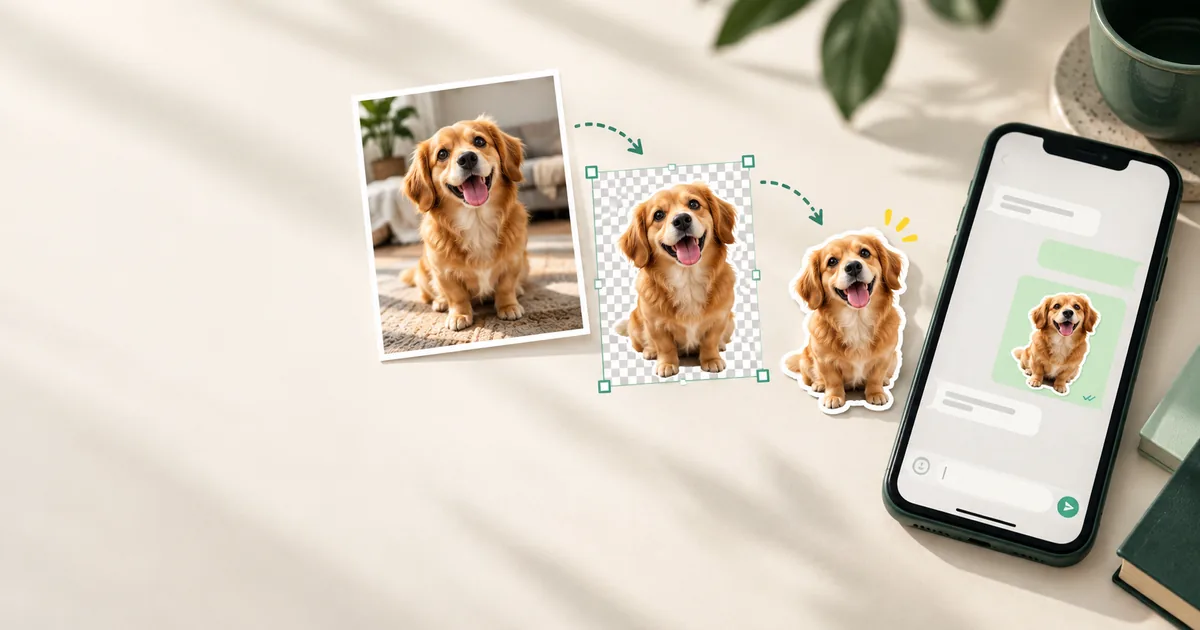
Choose WebP for WhatsApp sticker art, where it’s the official format, and as a flexible option for compact exports. WhatsApp's public sticker repository requires WebP sticker files. Static stickers must be exactly 512 × 512 pixels and no more than 100 KB. Those are published sticker requirements; they do not make WebP mandatory for ordinary chat photos, profile pictures, or Status images.
WebP supports both lossy and lossless compression as well as transparency. According to MDN's format guidance, it can offer stronger compression than older JPEG and PNG formats in comparable web-image uses. That makes WebP useful when you control the workflow, such as preparing a sticker or downloading an efficient copy from WaSize.
For an ordinary image you intend to pass through several apps, JPG and PNG are often the simpler interchange choices. Support for WebP is broad in current browsers, but the receiving app, file picker, editor, or older device—not merely the format itself—determines whether the workflow feels seamless. If a regular WebP image is treated as a file instead of a gallery photo, export JPG or PNG instead.
How do you choose the right format quickly?
- Identify the content. Start with JPG for a photograph and PNG for a screenshot, logo, or text-heavy design.
- Check whether transparency is essential. Use PNG or WebP if transparent pixels must remain in the exported file. JPG always needs an opaque background.
- Check the destination. Use WebP for sticker art. For a normal photo that will move through unknown apps and devices, JPG is the conservative default.
- Export once and inspect. View the real file at normal size. Check faces and textures in photos; check letters, thin lines, and hard edges in graphics.
If two formats both look clean, prefer the smaller file unless compatibility or future editing matters more. File size is not the only measure: a slightly larger PNG that keeps a QR code or small lettering sharp is more useful than a lighter JPG that damages it.
What format mistakes should you avoid on WhatsApp?
| Mistake | Why it fails | Better choice |
|---|---|---|
| Saving every image as PNG | Photographs can become unnecessarily heavy | Use JPG for photos unless you need lossless editing |
| Saving small text as low-quality JPG | Lossy artifacts soften letter edges | Use PNG and keep the text comfortably large |
| Converting a damaged JPG to PNG | The missing detail is already gone | Return to the clean source and export again |
| Using WebP because it is always “best” | The next app or recipient workflow may favor JPG or PNG | Choose for the full path, not only file size |
| Confusing sticker rules with photo rules | WebP, 512 × 512, and 100 KB are sticker-specific requirements | Use practical dimensions and a content-appropriate format for other images |
Repeated conversion is another quiet source of damage. A JPG converted to WebP and then back to JPG may pass through multiple lossy encodes. Keep an untouched original and create each final version from that source rather than from the last compressed copy.
Dimensions matter alongside format. A huge image exported at harsh quality can look worse than a sensibly resized copy at moderate quality. The companion guide on compressing images for WhatsApp without blur explains how to balance dimensions, quality, and file size.
FAQ: WhatsApp image formats
Is JPG or PNG better for WhatsApp photos?
JPG is usually the better default for camera photos because it keeps photographic files relatively small. Choose PNG when the image is a screenshot, logo, diagram, or text-heavy graphic that needs crisp edges or transparency.
Does PNG stay clearer than JPG on WhatsApp?
PNG preserves the source without lossy compression, which helps sharp text, flat colors, and line art. It does not guarantee that WhatsApp will leave the image unchanged after upload, and it is often inefficient for photographs.
Should I convert every WhatsApp image to WebP?
No. WebP is efficient and is required for sticker art in WhatsApp's official sticker repository, but JPG and PNG remain clearer workflow choices for many ordinary photos and graphics. App and device share behavior can vary for regular WebP files.
What format does a WhatsApp sticker need?
WhatsApp's official sticker sample requires sticker art in WebP. A static sticker must be 512 × 512 pixels and no more than 100 KB.
Can changing format restore image quality?
No. Converting a blurry or heavily compressed JPG to PNG or WebP cannot recreate discarded detail. Return to the original image and export a fresh copy in the format suited to the content.
Use the simplest format that protects what matters
Most people need only three defaults: JPG for photos, PNG for crisp graphics, and WebP for stickers. Depart from those defaults when transparency, editing, file size, or a known downstream app gives you a good reason.
If you are preparing a custom conversation background, the WhatsApp chat wallpaper size guide covers tall crops, quiet composition, and message readability. For product photography, the WhatsApp catalog image guide covers square canvases, consistent product scale, and useful image sequences.
Keep the original, make a separate share copy, and judge the exported image rather than the extension alone. A well-sized JPG can beat an oversized PNG for a photograph, while a clean PNG can protect text that JPG would visibly roughen.
Sources and how we checked
Two facts here come from WhatsApp’s own pages linked below: the Help Center note that HD media is available in chats but not for Status updates or profile pictures, and the sticker repository’s WebP format, 512 × 512 size and 100 KB static-sticker limit. The general comparison of compression and transparency draws on MDN’s image format guide. The format table, the four checks and the 82–88% JPG quality starting range are WaSize working recommendations, not official requirements. Last checked October 26, 2026.